
Stray spaces
Removes spaces and tabs at the edges of values, marked so you can see them.
For people who clean up exported data
Prooftable shows every change before it’s saved, keeps your original file as it is, and lets you reuse the same fixes on next month’s export. It runs on your own computer.
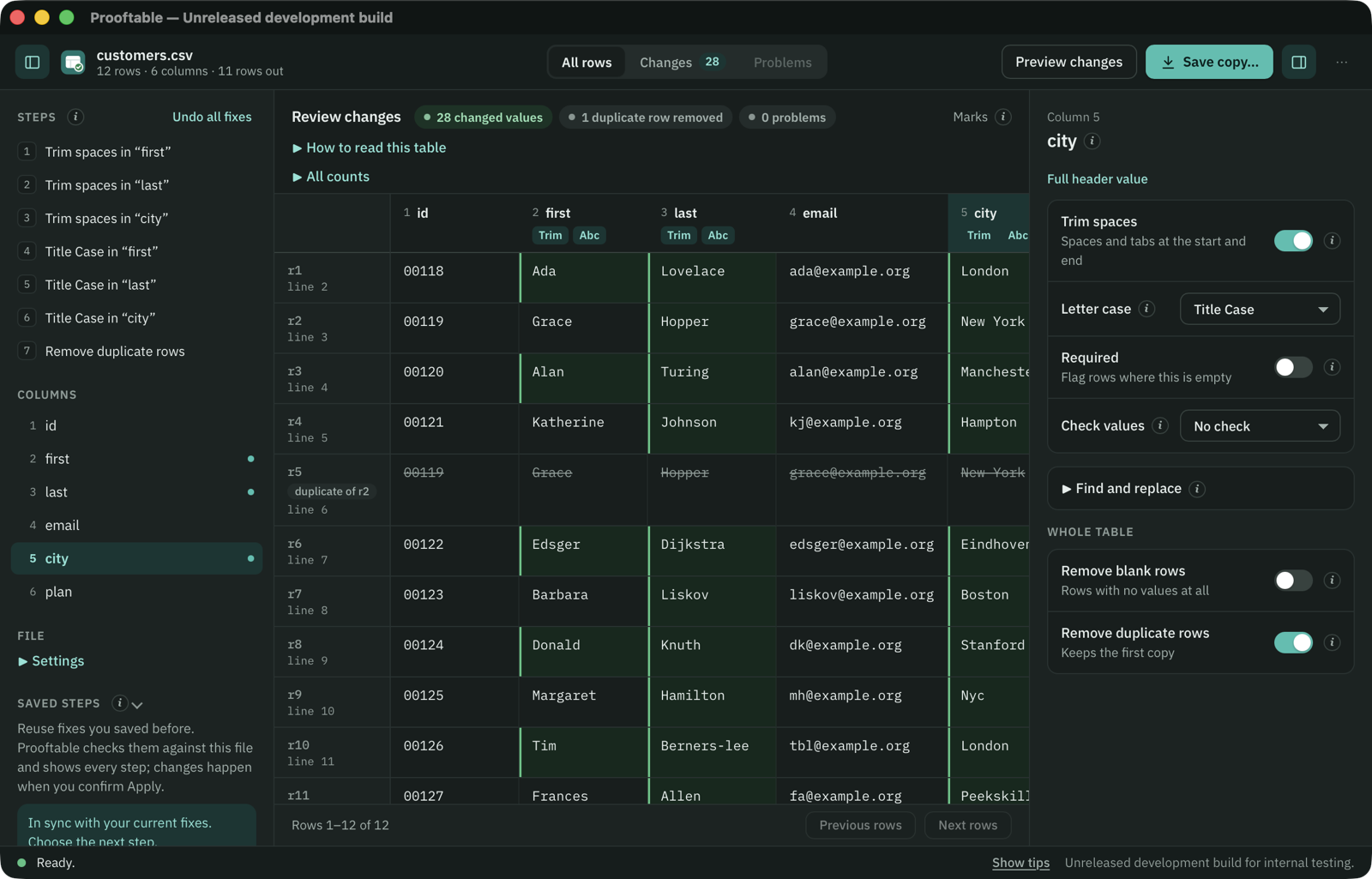
Removes spaces and tabs at the edges of values, marked so you can see them.
UPPER, lower or Title Case for the columns you pick.
Leaves out blank rows and duplicates, as exact whole-record matches or by key columns, keeping the first copy.
Flags empty required values and values that aren’t a number, date or email. Values stay as they are.
Keep, drop, rename, reorder, join and split columns in the file you save.
Save your fixes and reuse them on files with the same columns. You review every step first.
Comma, semicolon, tab and pipe separated files in UTF-8, UTF-16, Windows-1252 or ISO-8859-1, and sheets from Excel workbooks (.xlsx). Leading zeros, dates and IDs keep the text you see; nothing is guessed or converted unless you choose a fix.
Every save goes into a new folder with the clean file and a summary of what changed. Coming to macOS first, then Windows and Linux.
Read what it does and doesn’t do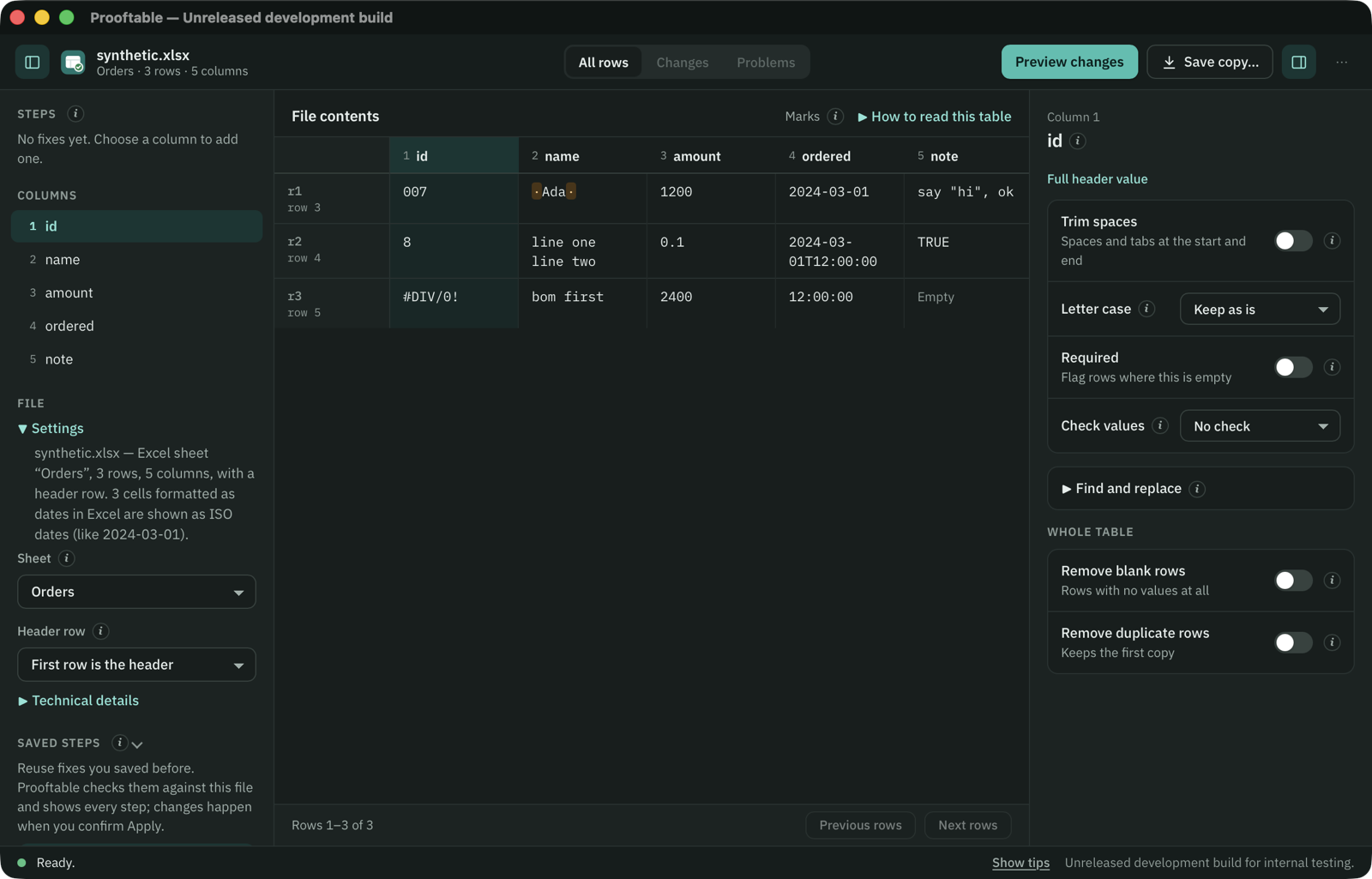
Why CSV does not supply an ID type, and how to verify your importer.
Quoted commas, multiline values and logical record widths.
ASCII edges, Unicode whitespace and deduplication order.